How to Use a Kitchen Scale in 5 Easy Steps
Baking by volume can lead to frustratingly inconsistent results, and you’re not alone if your recipes don’t always turn out as expected. A kitchen scale makes measuring more accurate and helps you get reliable results with less guesswork. Here’s how to use a kitchen scale in five easy steps.
To use a kitchen scale, select grams or ounces and place it on a flat, stable surface. Set an empty bowl in the center, then press tare until the display shows zero.
Add each ingredient slowly until you reach the recipe’s target weight. Press tare again before adding every additional ingredient to the same bowl.
If readings seem wrong, check the batteries, surface, and calibration. These simple steps make accurate measuring easy, and the tips below can help you troubleshoot common problems.
Key Takeaways
- Select grams or ounces, place the scale on a stable surface, and confirm the display reads zero.
- Center an empty bowl on the scale, then press the tare or Zero button.
- Add each ingredient slowly until its weight matches the recipe’s specified amount.
- Press tare after every ingredient to reset the display before measuring the next one.
- Troubleshoot inaccurate readings by checking batteries, recalibrating, and avoiding vibrations or overloads.
Set Your Kitchen Scale to Grams or Ounces
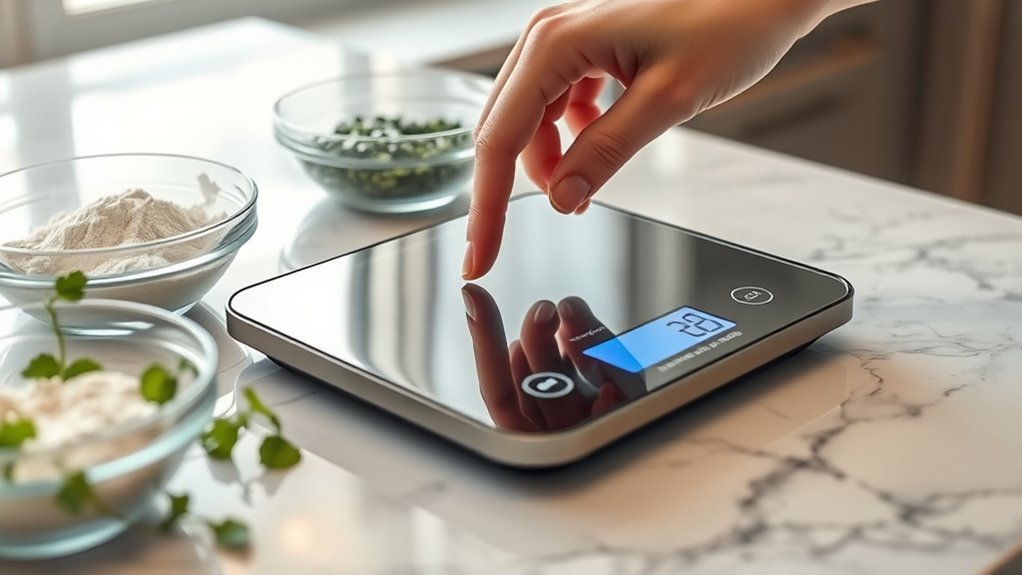
Before measuring, set your kitchen scale to the unit your recipe uses—grams for metric measurements or ounces for imperial ones. Find the unit button, often labeled “g,” “oz,” or “mode,” and press it until the correct symbol appears.
Choose grams for most baking recipes because metric quantities offer consistent precision. Select ounces when your instructions use imperial measurements, and don’t switch units halfway through a recipe.
Check your scale’s display for a stable zero reading before you begin. If the reading seems inaccurate, review the manufacturer’s calibration techniques, such as using a certified calibration weight or a known mass.
Calibrate on a firm, level surface, away from drafts and vibration. You’ll improve accuracy by keeping the platform clean and dry, an essential part of scale maintenance.
Replace weak batteries promptly, and consult the manual if the unit button or calibration function behaves unexpectedly. Confirm the displayed unit each time you start a new recipe to prevent conversion errors and protect your results.
Place the Bowl and Press Tare
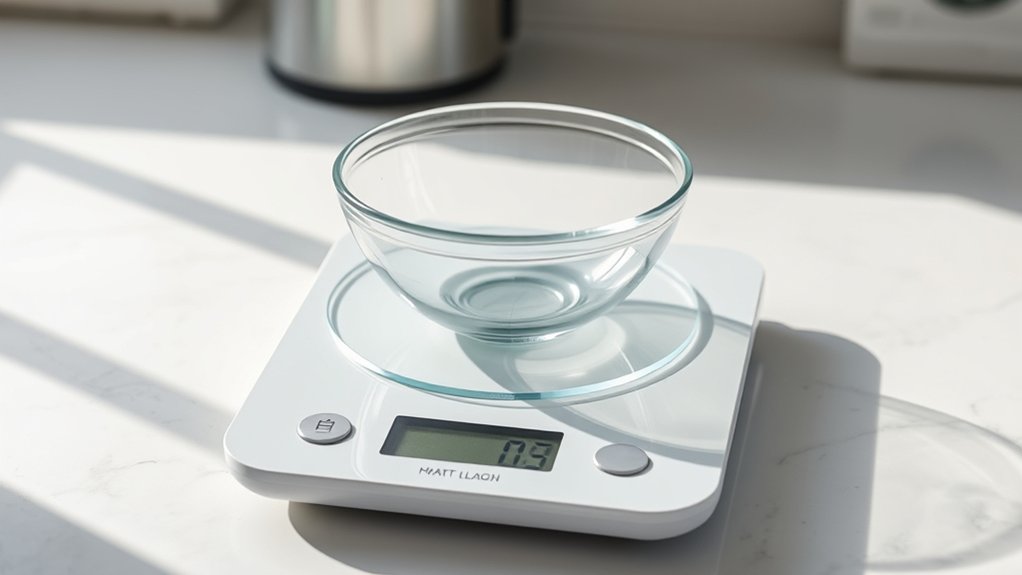
Set the empty bowl in the center of the scale, then press the tare button to reset the display to zero. Check that the bowl sits securely on the platform and doesn’t touch nearby objects, which could affect the reading.
Good bowl placement keeps the scale balanced and helps you work comfortably.
If the display doesn’t show zero, press the Tare button again. Some scales label this control “Zero” or use a small reset icon, so check the buttons if you’re unsure.
Wait briefly until the display stabilizes before continuing. Keep the bowl still while the scale resets, and don’t lean on the counter or platform.
For a narrow or lightweight bowl, center it carefully so it won’t tip. If the bowl covers the display, choose a wider platform or position yourself where you can read the screen easily.
Once the display reads zero with the empty bowl in place, your scale is ready for the next step.
Measure Ingredients by Weight
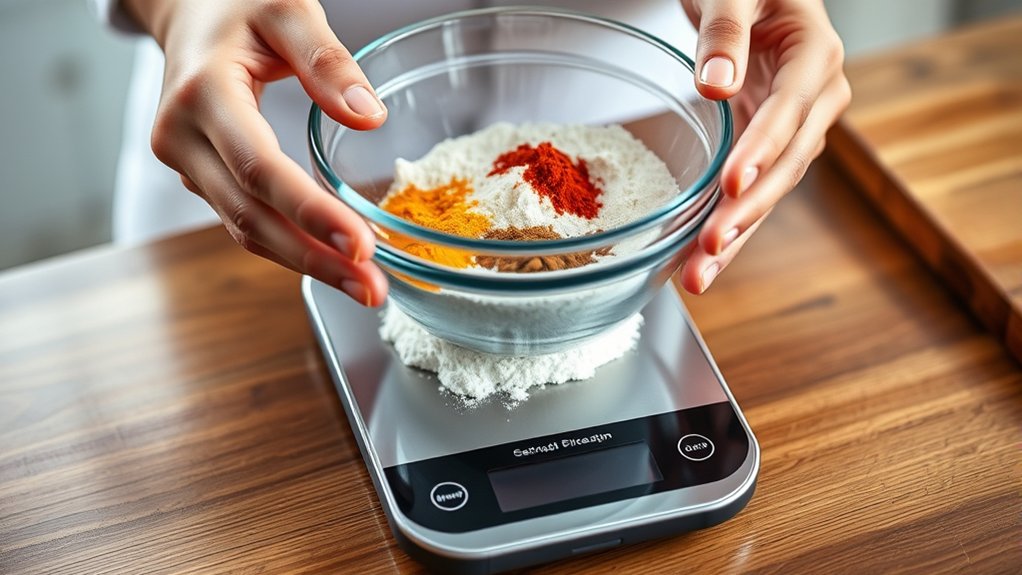
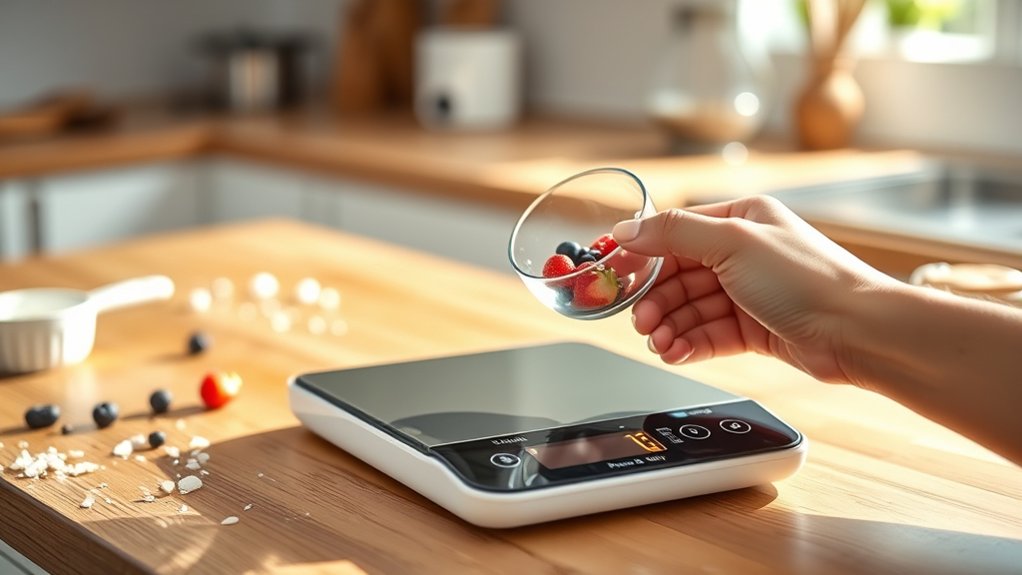
Add the ingredient to the bowl slowly and watch the display as the weight increases. Stop when the reading matches your recipe’s measurement. Use grams for the most consistent results, especially when you measure flour, sugar, or other dry ingredients. If your recipe lists ounces, switch the scale’s unit setting before you begin, or convert the amount carefully.
Keep the ingredient container close so you can control each addition without spills. If you add too much, remove a small amount with a spoon and recheck the display. Don’t rely on volume equivalents unless necessary, because packed or loose ingredients can change the amount considerably.
When making recipe substitutions, weigh the replacement ingredient according to its own density and the recipe’s guidance. Check your scale calibration if the reading seems unstable or differs from a known weight. Place the scale on a level surface, replace weak batteries, and confirm zero before measuring. Record unusual amounts for future adjustments.
Add More Ingredients With Tare
Once the first ingredient reaches the correct weight, press the tare button to reset the display to zero. Add the next ingredient slowly until you reach its required amount.
Repeat this process for each ingredient, keeping everything in the same bowl. The scale measures only what you add after each reset, so you won’t need extra bowls or mental calculations.
Use tare when following recipes that list ingredients by weight, especially for flour, sugar, spices, and liquids. It also helps with ingredient substitution: add a replacement gradually and stop when you match the original weight.
Check the recipe between additions so you don’t confuse individual amounts with the total mixture.
Before measuring, consider digital versus analog scales. Digital models usually offer a clear tare button and precise readings, while analog models may require you to adjust a dial or manually track weights.
If your scale lacks tare, note the combined weight after each addition and subtract the previous total.
Fix Common Kitchen Scale Problems
When your kitchen scale gives inconsistent readings, check that it’s on a flat, stable surface and that nothing touches the bowl or platform. Remove nearby appliances that might cause vibration, and replace weak batteries.
For consistent readings, place your kitchen scale on a stable surface, clear surrounding objects, and replace weak batteries.
If readings remain inaccurate, address calibration issues by following your model’s instructions. Usually, you’ll place a known weight on the platform and press the calibration button. Don’t guess the required weight; use the value listed in the manual.
For display malfunctions, remove and reinstall the batteries, checking that you’ve aligned the terminals correctly. Clean dirty contacts with a dry cloth, and ensure the display isn’t exposed to moisture.
If the screen shows unusual symbols, switch the scale off, wait briefly, and restart it. Overloading can also cause errors, so remove the ingredients and reset the scale.
Contact the manufacturer if problems continue, especially while your scale is under warranty. Store it safely, avoid dropping it, and never wash it under running water.
Frequently Asked Questions
Can Kitchen Scales Measure Liquids Accurately?
Yes, you can measure liquids accurately with a kitchen scale when you use the right technique. Place your container on the scale, press tare, and pour slowly.
Liquid measurement works best by weight, especially for water, because one gram roughly equals one milliliter. For better scale accuracy, keep the scale level, avoid spills, and check its capacity.
Dense or unusual liquids may require a conversion chart for precise results every time you measure.
How Often Should I Calibrate My Kitchen Scale?
Calibrate your kitchen scale monthly, or whenever you move it, change batteries, overload it, or notice inconsistent readings. Like a medieval alchemist weighing gold, you’ll want dependable results.
Your ideal calibration frequency also depends on use: calibrate weekly for frequent baking or commercial-style work, and every few months for occasional cooking.
Check your manual for exact steps, use the recommended calibration weight, and verify scale accuracy before measuring important ingredients.
What Is the Maximum Weight a Kitchen Scale Can Handle?
Most kitchen scales can handle 5–11 pounds, or roughly 2–5 kilograms, though some heavy-duty models support up to 33 pounds. Check your scale’s label, manual, or display for its exact capacity before weighing ingredients.
Don’t exceed that limit, because overloading may damage the sensor or produce inaccurate readings. For reliable cooking conversions and food portioning, use a suitable container and weigh ingredients separately with the tare function.
Can I Use a Kitchen Scale While Baking?
Yes, you can use a kitchen scale while baking. It’s your recipe’s compass, guiding each ingredient accurately. Place your mixing bowl on the platform, press tare to zero it, and add ingredients by weight.
Check your recipe’s Ingredient conversion notes when switching between cups and grams. Different Scale types may measure solids, liquids, or both, so choose the appropriate setting.
Keep the scale away from spills, and wipe it clean after baking for reliable results.
How Do I Clean and Maintain My Kitchen Scale?
Wipe your kitchen scale with a slightly damp cloth after each use, then dry it thoroughly. Cleaning tips: remove the bowl or tray, brush away crumbs, and use mild soap for sticky residue.
Don’t immerse the scale, pour water over it, or use abrasive cleaners. Maintenance routines include storing it in a dry place, protecting its buttons, replacing batteries promptly, and checking accuracy regularly with a known weight. You’ll extend its life.
Conclusion
Using a kitchen scale makes cooking faster, easier, and more accurate. Set it to grams or ounces, tare your bowl, and add ingredients one at a time for cleaner measuring and fewer dishes.
If the display acts up, check the batteries and place the scale on a level surface. You’ll also improve consistency: research shows weighing ingredients can reduce measurement errors by up to 25% compared with volume measurements.
Once you practice, you’ll wonder how you cooked without a kitchen scale.